If you’ve already installed IBO Player and gone through the free trial, you’ve probably run into a wall: the app opens, but there’s nothing to watch. That’s because IBO Player itself is just the interface — the actual channels, movies, and series come from a separate IBO Player playlist you add on top of it. This guide covers exactly what that playlist is, how it works, and what to look for before you subscribe to one.
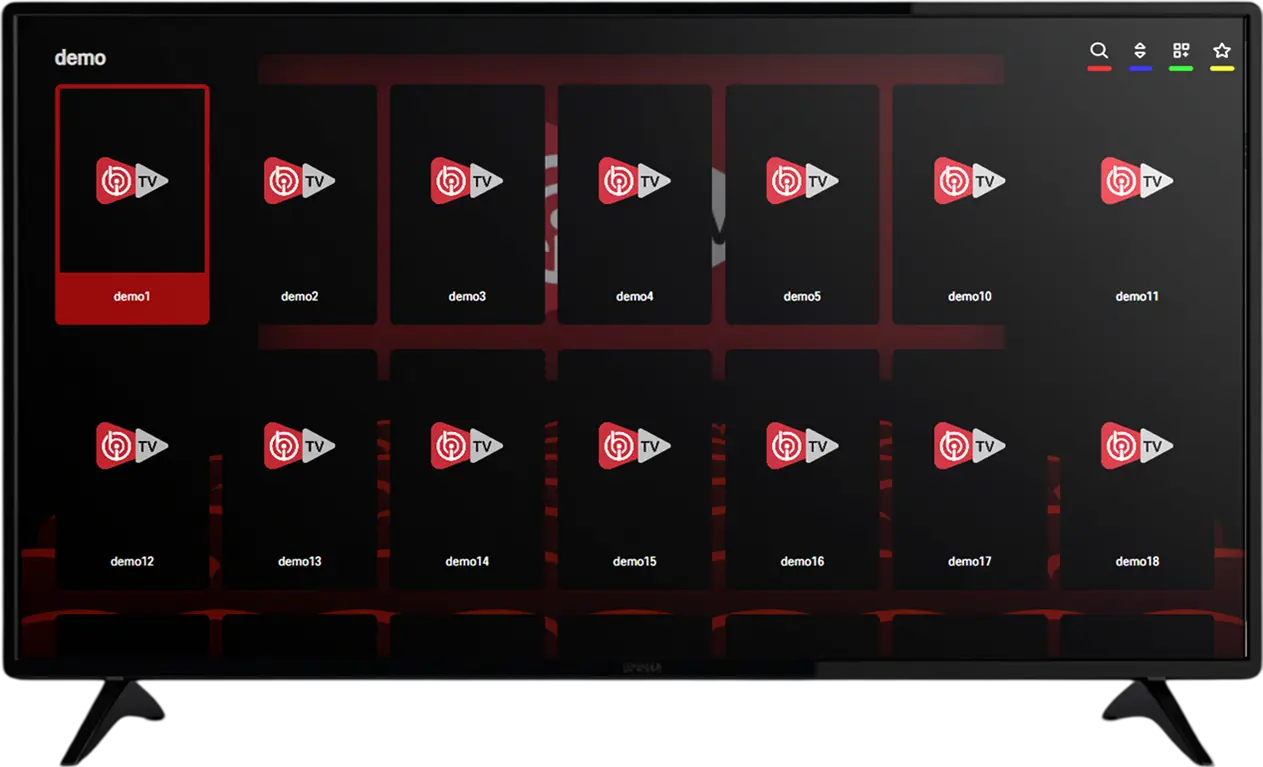
IBO Player and Its Playlist: Two Separate Things That Work Together
This is worth repeating clearly because it’s the single most common source of confusion for new users. IBO Player is a media player app — think of it as an empty TV with no antenna cable connected. Downloading and even activating the app doesn’t give you any channels by itself. An IPTV playlist is what actually plugs into that empty TV and gives it something to show.
The app’s free trial and its paid activation only control whether you can keep the app open and usable. The playlist is a completely separate subscription, with its own price and its own duration, that determines what you can actually watch. You need both pieces — the activated app and a working playlist — for the full experience.
What’s Actually Inside an IBO Player Playlist
A playlist isn’t a single file you download once and forget about — it’s a live connection to a server that continuously updates. A well-maintained IBO Player playlist typically includes live channels covering German entertainment and news, international news and general-interest channels, sport — including the Bundesliga, Champions League, and other major European leagues — a movie catalog updated with new releases, and a series catalog covering both ongoing and completed shows.
A comprehensive playlist paired with IBO Player, like the one offered through IPTV Live DE, opens up 55,000 live channels and a combined movie-and-series library well past 200,000 titles, spanning 8K, 4K, and FHD streams. The exact channel mix and total count vary between playlist providers, which is exactly why it’s worth checking what’s actually included before subscribing rather than assuming every playlist offers the same thing.
What an Electronic Program Guide (EPG) Adds to Your Playlist
Many Xtream Codes playlists, and some M3U playlists with the right add-on data, come with an electronic program guide — a schedule showing what’s currently airing and what’s coming up next on each live channel, similar to what you’d see on a traditional cable box. This might sound like a minor convenience, but in practice it changes how usable a large channel list actually is day to day.
Without an EPG, browsing hundreds of live channels means flipping through them one at a time to see what’s on. With one, you can scan a schedule, see what’s airing on a specific channel later tonight, and set your attention accordingly — genuinely useful once your channel list grows into the thousands rather than dozens. If a program guide matters to you, it’s worth confirming during setup whether your playlist includes one and whether IBO Player displays it by default for your particular playlist format.
M3U vs. Xtream Codes: The Two Playlist Formats
When you get a playlist, you’ll typically receive it in one of two formats. An M3U link is a plain text file containing a list of channel names and their stream addresses. You paste this single link into IBO Player once, and the app loads the entire channel list from it.
Xtream Codes works differently: instead of one static file, you enter a server address along with a username and password. IBO Player then connects to that server directly, which usually results in a more organized experience — proper categories, a program guide in many cases, and separate, clearly labeled sections for live TV, movies, and series.
Neither format is inherently better in every situation. M3U is simpler and works reliably across more player apps in general, while Xtream Codes tends to deliver a smoother, more polished experience specifically within apps built to support it well — and IBO Player supports both formats for your playlist. What matters more than the format itself is the quality of the server behind it, since an IBO Player playlist’s real-world performance comes down to how well that server is maintained, not which format it uses.
How to Add a Playlist to IBO Player, Step by Step
Once you have your playlist details, whether that’s an M3U link or Xtream Codes login, adding it to IBO Player is usually the fastest part of the whole process. Open the app and look for an option to add a new playlist or a new user — this is usually clearly labeled on the main menu. Choose the format that matches what you were given: paste the M3U link directly if that’s what you received, or enter the server address, username, and password if you were given Xtream Codes credentials. Save the entry and give the app a moment to load the full channel list.
If everything was entered correctly, you’ll see categories populate with live channels, movies, and series within a few seconds to a minute, depending on your connection. Copying and pasting details rather than typing them manually on a remote control avoids the most common setup mistake — a single mistyped character in a long server address or password is the most frequent reason a playlist won’t load on the first attempt.
Playlist Pricing: What to Expect
Playlist pricing typically scales with plan length, rewarding longer commitments with a lower effective monthly rate. As a general reference point, a 1-month IBO Player playlist commonly runs around €9.99, a 3-month plan around €24.99, 6 months around €34.99, and a full year around €49.99 — bringing the effective monthly cost down significantly on longer plans. Exact pricing varies by provider and by how comprehensive the channel and content library is, so it’s worth comparing what’s actually included at each tier rather than price alone.
To put those numbers in perspective: a 1-month plan at €9.99 works out to roughly €9.99 per month, while a 12-month plan at €49.99 works out to around €4.16 per month — less than half the monthly cost, in exchange for committing upfront. This is a common pattern across the IPTV playlist market generally, not unique to any one provider, and it’s why testing a service on a short plan before jumping straight to an annual commitment is usually the more sensible approach, even though it costs slightly more per month at first.
Bundled Activation vs. a Standalone Playlist
Some providers sell IBO Player activation and a playlist as a bundle, while others sell them separately, letting you pair the app with whichever playlist you prefer. Both approaches are legitimate, but it’s worth knowing which one you’re buying.
A bundle can simplify the initial purchase, since you’re not managing two separate subscriptions with two separate renewal dates. A standalone playlist offers more flexibility — you can switch playlist providers later without touching your IBO Player activation, or use the same playlist across multiple player apps if you ever decide to try a different interface. Neither option is objectively better; it comes down to whether you’d rather optimize for simplicity or flexibility.
Signs You’re Looking at a Good Playlist
Not every playlist is maintained equally, and a few signals reliably separate a well-run IBO Player playlist from a neglected one. A good playlist keeps its movie and series catalog current, adding new releases within a reasonable window rather than sitting untouched for months. It stays stable during peak viewing hours, particularly during popular live sports events, rather than buffering as soon as demand rises. Channels are actually available in the quality advertised — if a provider claims 4K but every channel plays in noticeably lower resolution, that’s worth noting. And a provider is willing to let you test the playlist, even briefly, before committing to a longer plan.
The best way to check all of this in practice is simply to use the free trial period deliberately: browse a few movie categories, check a couple of sports channels during a live match if possible, and pay attention to how the picture holds up rather than just confirming the app opens.
Common Playlist Problems and How to Fix Them
A playlist that “won’t load” is almost always one of a few specific issues. Double-check that the link or login details were copied exactly, since a single missing character breaks the entire connection. Confirm your internet connection is stable — a playlist that loaded fine yesterday can appear broken today if your Wi-Fi has dropped out, which is easy to overlook. If specific channels buffer while others play smoothly, that’s typically an isolated server-side issue with that particular feed rather than a problem with the playlist as a whole, and it’s usually resolved within a short time.
If a playlist stops working entirely after previously working fine, it’s worth confirming the subscription hasn’t simply expired before assuming there’s a technical fault — this is one of the most common reasons for a sudden “channels not loading” message.
Setting Up Your Playlist Across Different Devices

The core process of adding a playlist to IBO Player is the same across devices, but a few details differ in practice. On a Fire TV Stick, the on-screen keyboard makes typing a long Xtream Codes password tedious, so where possible, use a link or QR code option if your provider offers one, or a companion app on your phone to send credentials directly to the TV. On Android TV boxes, the process is generally the most straightforward, since Android’s more open system handles playlist entry and app permissions with the fewest extra steps.
On phones and tablets, it’s worth adding your playlist here first even if your main viewing happens on a TV — it gives you a quick way to confirm your credentials are correct before wrestling with a remote control, and doubles as a backup way to watch if your main device has an issue.
How Far in Advance Should You Renew?
Since a playlist stops delivering content the moment it expires, renewing a few days before the end date rather than exactly on it avoids any gap in service, particularly if you’re renewing over a weekend when response times from support may be slower than on weekdays. Providers vary in whether they send a renewal reminder automatically, so if you’re on a longer plan, it’s worth noting your own renewal date somewhere rather than relying entirely on the provider to prompt you.
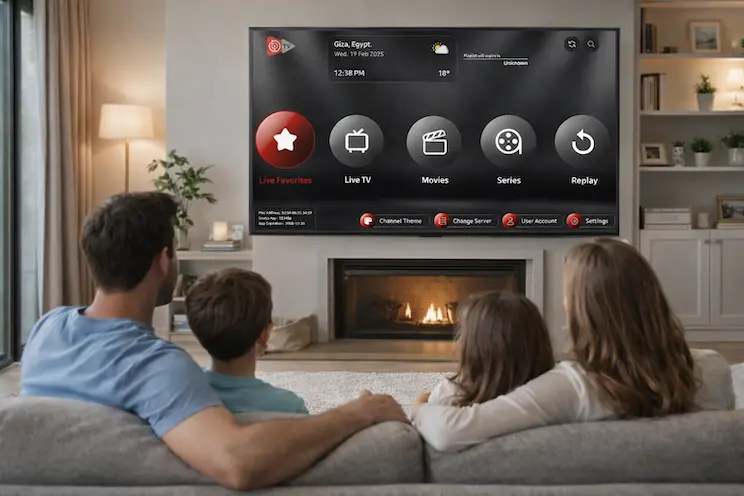
Live TV vs. VOD Inside the Same Playlist
Every IBO Player playlist splits content into two broad categories, even if they’re presented together in the app’s menu. Live TV is the continuous, real-time channel feed — the closest equivalent to traditional broadcast television. Video-on-demand (VOD) covers movies and series you select and control yourself, pausing and resuming whenever you like.
The distinction matters for how you judge a playlist’s quality. If live sport is your priority, focus your evaluation on channel stability during peak hours. If you mostly watch movies and series, the size and freshness of the VOD catalog matters more than the live channel count.
Questions Worth Asking Before You Buy a Playlist
A short conversation before paying can save a lot of frustration later. Worth asking directly: how many live channels and how many movies/series are actually included, whether the catalog is updated regularly and how recently it was last refreshed, whether a short trial is available to test stability on your own connection and devices, how many simultaneous device connections the plan supports, and what happens if a channel goes down — is there a way to report it and get a fix, or is it left unaddressed until the provider happens to notice.
A provider willing to answer all of these clearly and specifically, rather than with vague reassurances, is generally a good sign of how they’ll handle things after you’ve already paid.
Can You Use the Same Playlist on Multiple Devices?
This depends on the specific plan and provider, and it’s worth clarifying before you subscribe rather than assuming. Some playlist plans support a single active connection at a time, while others allow multiple simultaneous streams under one subscription. If your household plans to watch on more than one screen at once — a living room TV and a bedroom tablet, for instance — confirm this detail directly with your provider, since getting it wrong can mean an unexpected extra cost or a frustrating “already in use” error at the worst possible moment.
Keeping Your Playlist Running Smoothly Long-Term
Once everything is set up and working, a couple of small habits keep an IBO Player playlist reliable over time. Keeping the IBO Player app itself updated avoids most compatibility issues that surface after a device’s operating system updates in the background. If you switch to a new phone, TV, or streaming box, remember that your playlist credentials travel with you — the same M3U link or Xtream Codes login works on the new device, so there’s no need to purchase anything again, just re-enter the same details in the freshly installed app.
Finally, if your household’s viewing habits change significantly — say, you start watching far more live sport than before, or the opposite — it’s worth revisiting whether your current plan and provider still make sense, rather than assuming the playlist you chose initially will always be the right fit indefinitely.
Frequently Asked Questions
Does IBO Player come with a playlist included?No. The app itself and the playlist are separate products. Activating IBO Player only unlocks the app; the playlist is a separate subscription that provides the actual channels, movies, and series.
What’s the difference between M3U and Xtream Codes for IBO Player?An M3U link is a simple text-based playlist file, while Xtream Codes uses a server connection with a username and password for a more structured, categorized experience. IBO Player supports both.
How do I know if my playlist subscription has expired?Channels that previously worked will typically stop loading or show an error. If this happens suddenly after working fine before, check your subscription status before assuming there’s a technical fault.
Can I change my playlist provider without reinstalling IBO Player?Yes. Since the playlist is separate from the app, you can remove the old playlist entry and add a new one from a different provider without touching the app itself.
Is a more expensive playlist always better quality?Not necessarily. Price often reflects plan length more than quality. It’s better to judge a playlist by testing stability and content freshness during a trial than by price alone.
Why do some channels in my playlist look better than others?Individual channels are sourced and encoded separately, so picture quality can vary slightly between them even within the same playlist, with flagship and sports channels typically prioritized for the best available quality.
How much internet speed does a playlist need to run smoothly?For standard FHD streaming, 15–25 Mbps is a reasonable baseline; higher-resolution content and multiple simultaneous streams in the same household benefit from a faster connection.
Should I choose a bundled activation-plus-playlist deal or buy them separately?Both are valid. A bundle is simpler to manage with one renewal date, while buying separately gives you the flexibility to switch playlist providers without touching your app activation.
What should I do a few days before my playlist expires?Renew a few days ahead of the expiration date rather than exactly on it, especially if the expiration falls on a weekend, to avoid any gap in service.
Final Thoughts
Once you understand that IBO Player and its playlist are two separate pieces working together, the rest of the setup becomes straightforward: pick a playlist with the channel and content coverage you actually want, add it to the app using either an M3U link or Xtream Codes login, and use the trial period deliberately to check stability before committing to a longer plan. The app itself rarely causes problems once it’s activated — nearly everything about your day-to-day viewing experience comes down to the playlist behind it.
Treat the first few days after setup as a genuine evaluation period rather than just watching passively: check a live sports channel during a busy evening, browse the movie catalog for anything recently added, and note how the picture holds up across a couple of different channel categories. That small bit of deliberate testing up front is what actually determines whether a playlist is worth renewing, far more reliably than any description on a sales page.
If you’re ready to get a playlist set up on IBO Player, reach out via WhatsApp or the Contact Us page — most setups are ready to go within minutes of confirming your plan. For more general background on how IPTV works, IPTV 8K and IBOPlayerPro both cover related topics worth a look, and our IPTV Live Channels in Germany guide is a good next read if you’re still deciding on a broader plan.