Once IBO Player is activated and a playlist is connected, the app fills up with categories, logos, and numbers fast enough that it’s easy to lose track of what’s actually there. This guide breaks down what a typical IBO Player channels lineup actually contains — by category, by region, and by quality — so you know what to look for and what to test before committing to a plan.
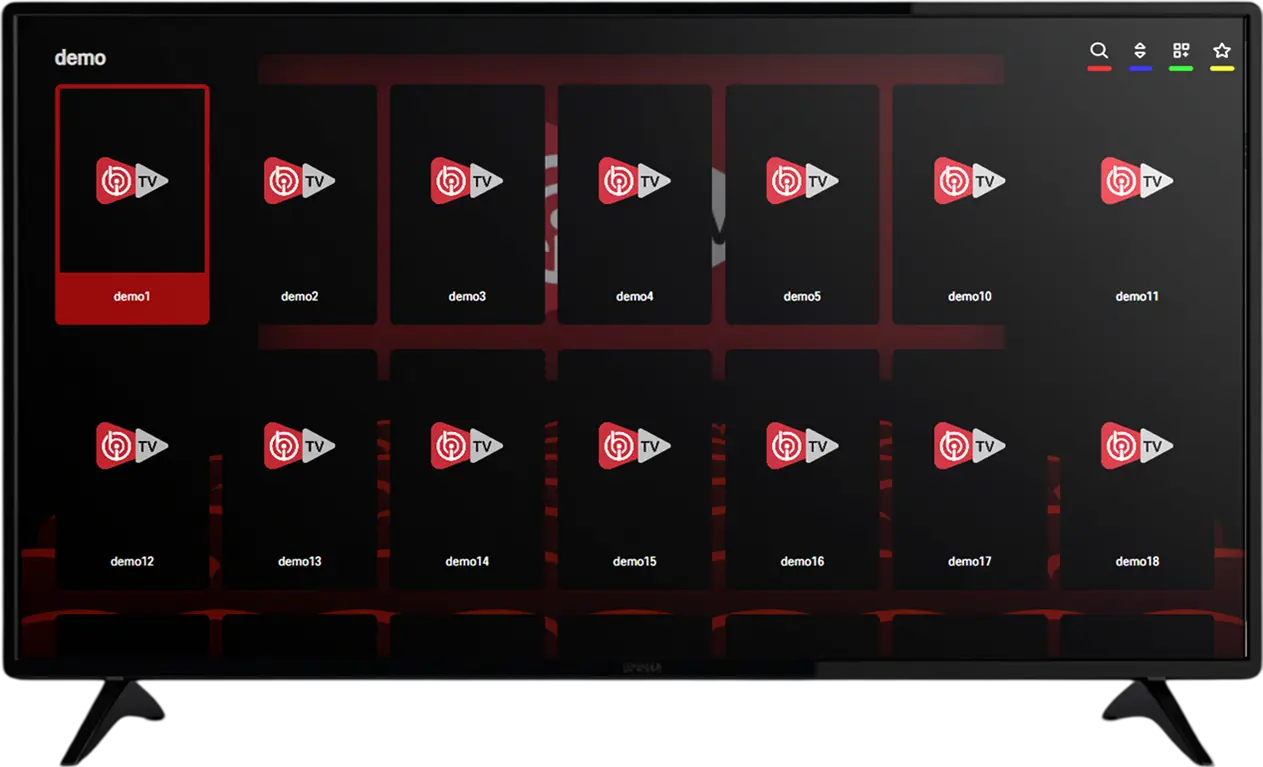
Where the Channels Actually Come From
Quick reminder before diving in, since it trips people up constantly: the channels themselves come from the playlist connected to IBO Player, not the app itself. If you’re new to the app-versus-playlist distinction, our IBO Player playlist guide covers that in depth. This article assumes a playlist is already connected and focuses purely on what’s inside a well-stocked one.
How Channels Are Grouped Inside the App
A well-organized IBO Player channels list is broken into categories rather than one long alphabetical scroll — sports, news, entertainment, kids, documentaries, international, and often country-specific folders within those. Most setups also support marking channels as favorites, which matters more than it might sound once you’re working with a list running into the thousands. Spending a few minutes during your first session favoriting the handful of channels you’ll actually watch regularly saves a lot of scrolling later.
Numbering conventions vary between providers too — some group channels numerically by category (news channels in one block, sports in another), while others follow a looser ordering. Neither is inherently better, but knowing which system your particular IBO Player channels list uses makes navigation noticeably faster once you’re familiar with it, rather than searching by name every single time.
Testing Channels at Different Times of Day
A channel that plays perfectly at 3pm on a Tuesday can behave very differently at 9pm on a Saturday when overall demand across a provider’s servers peaks. If your evaluation of a channel lineup only happens during quiet hours, you’re missing the exact conditions where stability actually gets tested. Where possible, spread your trial testing across a few different times — including at least one evening and, if sport is relevant to you, during an actual live match — for a much more realistic picture than a single quiet-hour test can give.
German Entertainment and News Channels
For viewers based in Germany, this category is usually the anchor of the whole lineup. A solid IBO Player channel list covers the major private and public broadcasters, general entertainment channels, and rolling news. Regional and third-program channels are typically included as well, giving access to local content beyond just the national networks. This is the category worth testing first during any trial, since it’s the one most viewers will actually use daily.
Sports Channels: Where Channel Count Matters Most
Sport is where a channel lineup’s depth gets tested hardest. Coverage worth checking for includes the Bundesliga and DFB-Pokal, the Champions League and other European competitions, international leagues like the Premier League and La Liga, Formula 1 and other motorsport, tennis majors, and combat sports events. Because sports rights in Germany are split across multiple broadcasters in a typical season, a genuinely comprehensive IPTV channel list is often the only practical way to follow more than one competition without stacking several separate subscriptions.
Given how much stability matters specifically during live sport, this is the category worth testing during a peak-hour match rather than just confirming the channel appears in the list.
International Channels
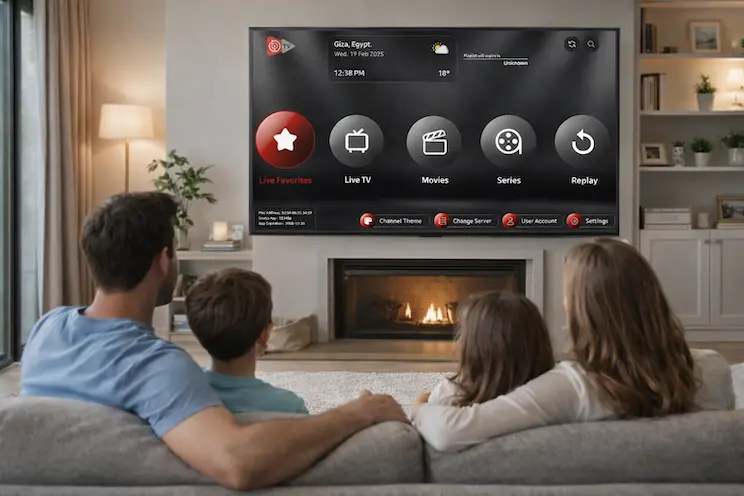
Germany’s multicultural population means international channel coverage is often a genuine priority rather than a nice-to-have. Well-stocked lineups typically include channels from Turkey, the Balkans, the Arab world, and various other European countries, organized into their own folders within the app. If your household relies on channels from a specific region, it’s worth checking that region’s folder specifically during a trial rather than assuming coverage based on the total channel count alone — a large overall number doesn’t guarantee depth in every individual region.
What a Well-Organized Regional Folder Looks Like
Beyond simply having channels from a given country available, the way they’re organized affects how usable they actually are day to day. A well-built regional folder groups channels by type within the country — news, entertainment, sport, kids — rather than dumping everything into one undifferentiated list. It’s also worth checking whether channels within a regional folder carry accurate, legible on-screen names rather than generic placeholder labels, since a folder full of unclear or duplicate-looking entries is frustrating to navigate regardless of how many channels it technically contains.
If a specific country’s channels matter enough to your household that you’d consider switching providers over it, it’s worth asking directly how many channels are in that folder and requesting to see it during your trial period rather than taking a general claim of “international channels included” at face value.
Kids’ and Family Channels
Dedicated children’s channels are typically grouped into their own category, separate from general entertainment. For families, checking this folder specifically — rather than assuming it’s covered by a large total channel count — is worth doing during a trial, since kids’ programming quality and freshness varies more between providers than general entertainment does. Pairing this with parental controls, where the player app supports them, rounds out a household setup that works for every age group watching.
Documentary, Lifestyle, and Niche Channels
Beyond the major categories, a mature IBO Player channels list usually includes documentary channels, lifestyle and cooking content, music channels, and various niche categories that don’t fit neatly elsewhere. These are rarely the reason someone subscribes in the first place, but they’re often what turns a channel list from “adequate” into “actually comprehensive” once you start exploring past the obvious categories.
How Often Is the Channel List Actually Updated?
A channel lineup isn’t a fixed snapshot — channels get added, removed, or replaced over time as sources change on the provider’s end. A well-maintained list is updated regularly enough that dead or duplicate channels don’t pile up, and new channels get added as they become available rather than the list stagnating for months at a time. This is genuinely hard to judge from outside, which is exactly why testing during a trial and paying attention to how current things feel — rather than assuming based on the total count advertised — is the most reliable signal available to a new subscriber.
One practical tip: if you notice the same handful of channels showing errors or blank screens repeatedly over more than a few days, that’s a better indicator of a poorly maintained list than a single channel being briefly down, which happens occasionally even with well-run providers.
Are Some Channels “Premium” Within the Same Playlist?
Within a single IBO Player channels package, not every channel is necessarily treated equally. Some providers group flagship sports channels, high-demand international networks, or 4K-specific feeds into a slightly different tier, sometimes with priority server allocation to keep them more stable during high-traffic events. This isn’t universal, but if you notice certain channels perform noticeably better than others during peak hours, that’s often the explanation rather than a sign of a broken connection on your end.
If a specific channel or category is the main reason you’re subscribing — a particular sports package, for instance — it’s worth asking directly whether that channel gets any kind of priority treatment during high-demand periods, since this detail isn’t always obvious from a general channel list alone.
Channel Quality: SD, HD, 4K, and What the Labels Actually Mean
Not every channel in a large lineup streams at the same quality, and it’s worth understanding what the common labels mean in practice. SD (standard definition) is the lowest common tier, still watchable but noticeably softer on a large screen. HD or FHD (1080p) is the baseline most viewers expect today, sharp on any standard TV size. 4K is increasingly available for flagship entertainment and premium sports channels specifically, offering a meaningfully sharper picture on larger displays.
A provider advertising a channel as 4K when it’s actually delivering SD or HD quality is one of the more common disappointments new users run into — testing a handful of specific channels you care about during a trial, rather than trusting category-level marketing claims, is the only reliable way to confirm actual quality.
Matching Channel Quality to Your Internet Connection
Even a perfectly encoded 4K channel will look and perform worse than it should if your connection can’t keep up with it. As a rough guide, SD channels need very little bandwidth and rarely cause issues even on modest connections; FHD channels generally need a stable 15–25 Mbps for smooth playback; and 4K channels benefit from significantly more, especially if more than one device in the household is streaming simultaneously. If a specific channel buffers consistently while lower-resolution ones play fine, that’s often a sign your connection is the limiting factor for that particular stream rather than an issue with the channel itself.
Worth noting: watching a 4K channel on a small phone screen offers little visible benefit over FHD, so if bandwidth is limited in your household, prioritizing higher resolution for the main TV and accepting standard quality on secondary devices is a reasonable way to make the most of the connection you have.
Live TV vs. the Movie and Series Side of the App
Channels specifically refer to the live, continuously broadcasting side of an IBO Player setup — as opposed to the movie and series library, which is separate, on-demand content you start and control yourself. Both usually live in the same app under different sections, but they’re worth judging separately: a household that mostly watches live news and sport should weight the channel lineup heavily in their evaluation, while one that mostly watches series should focus more on the on-demand catalog when comparing providers.
How to Check Channel Availability Before You Subscribe

Rather than relying on a general “thousands of channels” claim, ask specifically about the categories that matter to your household before paying for anything beyond a trial. For sports fans, ask which specific leagues and competitions are covered. For international households, ask which countries or regions are represented and how many channels are in each. For families, ask whether kids’ content is a dedicated category and how current it is. A provider able to answer these specifics about their IBO Player channels lineup, rather than repeating a generic total number, is generally more trustworthy than one that can’t.
Comparing Channel Lineups Between Providers
If you’re deciding between more than one playlist provider for IBO Player, a side-by-side comparison is more useful than judging each in isolation. Note down the specific channels or categories that matter most to your household, then check each provider against that exact list rather than their marketing description. Two providers can both claim “extensive sports coverage” while one actually carries the specific league you follow and the other doesn’t — a detail only a direct comparison against your own list will reveal.
It’s also worth checking whether a provider’s channel list is the same across all their plan tiers, or whether cheaper plans get a reduced lineup. This isn’t unusual, but it should be disclosed clearly rather than discovered after subscribing to what looked like the same package at a lower price.
What Happens When a Channel Goes Down
Even in a well-maintained lineup, individual channels occasionally drop out while the rest of the list keeps working fine — this is a normal part of how IPTV works rather than a sign of a broken service overall. It usually reflects an issue on that specific channel’s source rather than your connection or the app. Most providers resolve these within a short window, and testing an alternative channel in the same category in the meantime is the quickest workaround if you need that type of content immediately.
What to Do If a Whole Category Seems Missing
Occasionally an entire category appears empty or missing rather than just a single channel misbehaving — this is different from an isolated channel outage and usually points to one of a few specific causes. Sometimes it’s a temporary server-side issue affecting an entire category at once, which typically resolves on its own within a short period. Other times, particularly on a new setup, it’s simply that the playlist hasn’t finished loading fully, and giving the app another minute or restarting it resolves the issue. Less commonly, a category genuinely isn’t included in a particular plan tier, which is worth confirming directly with your provider rather than assuming it’s a technical fault.
If a missing category persists beyond a day or two and a restart doesn’t fix it, that’s the point where it’s worth reaching out to support directly rather than continuing to troubleshoot on your own.
A Short Checklist Before You Commit
Pulling everything above into a quick list: confirm your top two or three channel categories are covered in real depth, not just present in name. Test at least one during peak hours, ideally a live sports match if that applies to you. Verify the resolution advertised matches what you actually see on screen. Check that a specific country or region’s folder is well-organized if international content matters to your household. And ask directly what happens if a channel or category goes down — is there a clear way to report it, or is it left unaddressed.
Running through these before committing to anything beyond a free trial takes very little time and reliably separates a channel lineup worth paying for from one that only looks comprehensive on a sales page.
Frequently Asked Questions
Do all IBO Player channel lineups include the same channels?No. The exact channel mix depends entirely on which playlist is connected to the app, so lineups vary meaningfully between providers.
How can I tell if a channel is actually 4K or just labeled that way?The most reliable way is to watch it directly during your trial period and judge the picture yourself, rather than relying on a category label alone.
Are kids’ channels usually included by default?Most comprehensive lineups include a dedicated kids’ category, but coverage and freshness vary, so it’s worth checking this folder specifically if it matters to your household.
Why does my favorite channel sometimes buffer while others play fine?This is typically an isolated issue with that specific channel’s source rather than a problem with your connection or the app as a whole, and it’s usually resolved fairly quickly.
Can I organize channels into my own categories?Most player apps, including IBO Player, support marking individual channels as favorites, which functions as a simple way to create your own shortlist without needing full custom categories.
Does a bigger channel count always mean better coverage?Not necessarily. A large total can be padded with duplicate or low-demand feeds, so checking depth within the specific categories you care about matters more than the headline number.
How do I know if a channel lineup is actively maintained?Testing during a trial and watching for repeated errors on the same channels over several days, rather than a single isolated issue, is the most reliable signal of a poorly maintained list.
Should I test channels during the day or evening?Both, ideally. Evening and peak-hour testing, especially during a live sports event, reveals stability issues that quiet daytime testing alone won’t show.
Final Thoughts
A channel count on its own doesn’t tell you much — what matters is whether the specific categories your household actually watches are covered in depth, kept current, and stable during the hours you’re most likely to be watching. Testing the categories that matter to you directly, rather than trusting a total number, is the only reliable way to judge an IBO Player channels lineup before committing to a longer plan.
Treat the trial period as a genuine audit rather than a formality: check your top two or three categories specifically, test at least one evening or peak-hour session, and confirm the resolution you’re actually seeing matches what was advertised. That combination of checks takes less than an hour but tells you more about whether a channel lineup is worth paying for than any sales page ever could.
If you’d like to see the current channel list or have a specific league, country, or category in mind, reach out via WhatsApp or the Contact Us page. For more on how the app and playlist work together, see our guides on the IBO Player playlist and IBO Player activation.